BluOS · HEOS · MusicCast · Dirac
The desktop app your HiFi has been missing
Full control over your BluOS, HEOS, and MusicCast devices from your desktop.
Powerful Dirac utilities, system-wide hotkeys, and a sleek interface designed for audiophiles.
Free version available · No account required
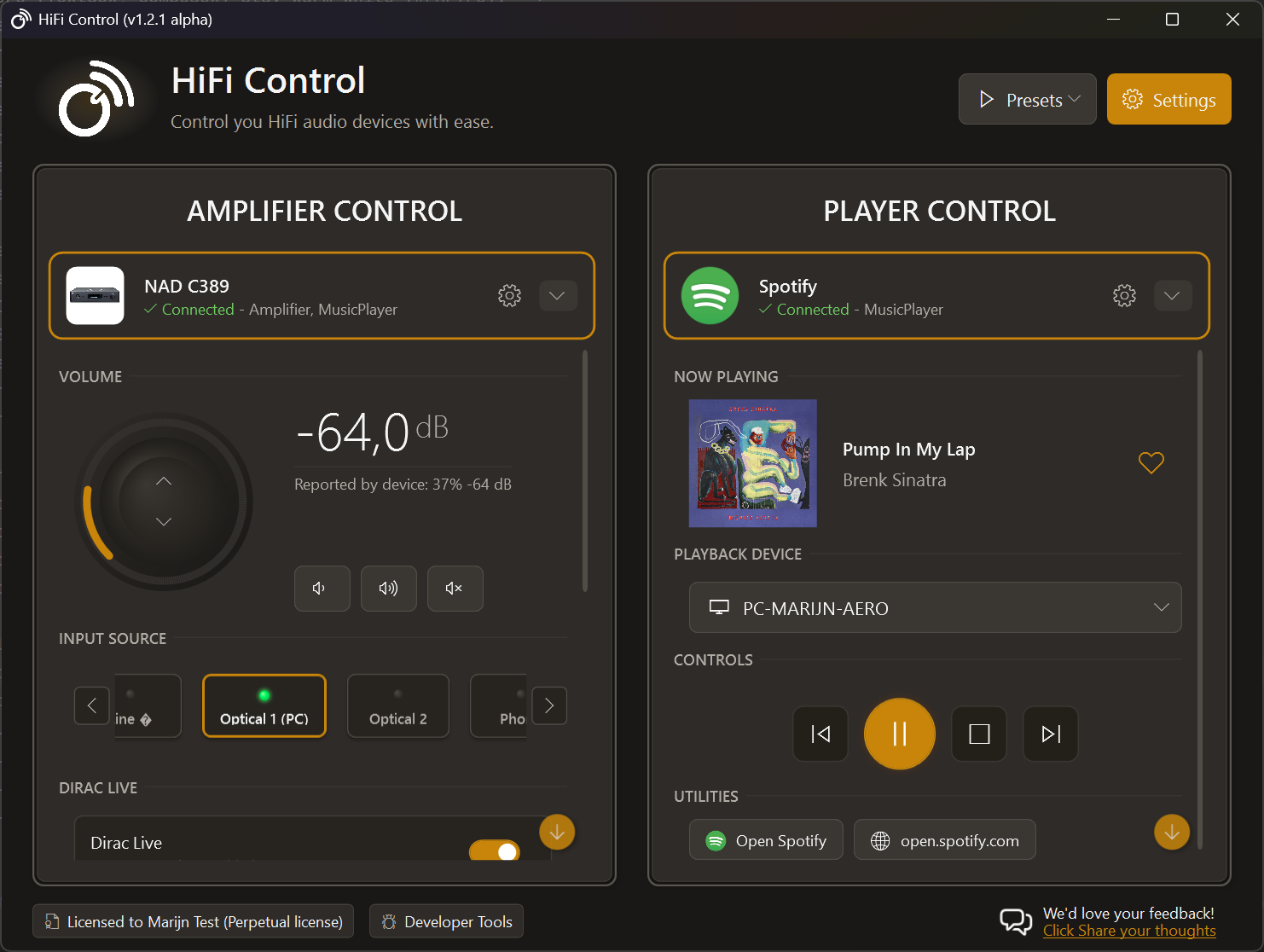








Audiophile control from your desktop
Every feature exists because controlling HiFi equipment from a desktop should be as convenient as possible.
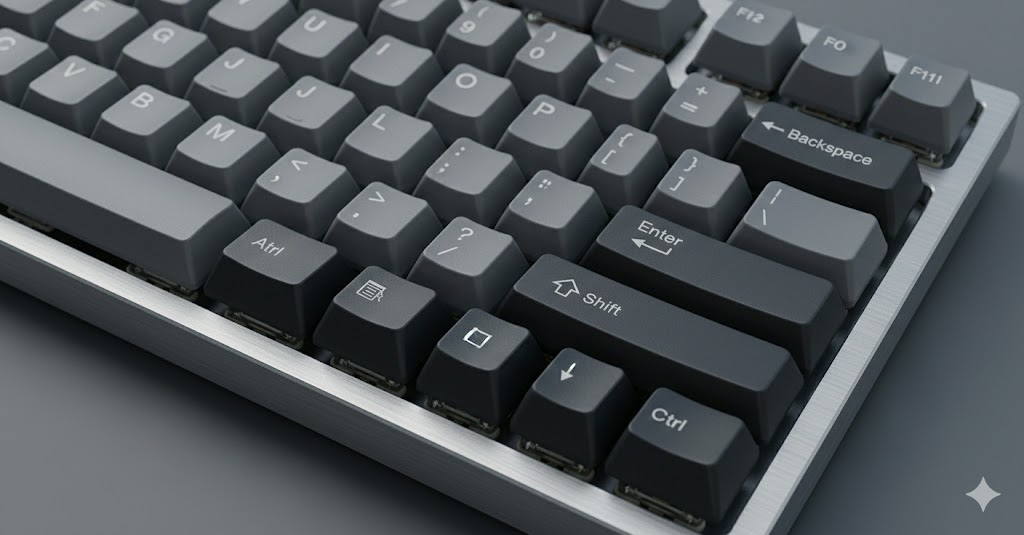
System-wide hotkeys to control anything
System-wide hotkeys for volume, input source, playback, and (Dirac) presets. Remap your multimedia keys. Works in any app, including games.
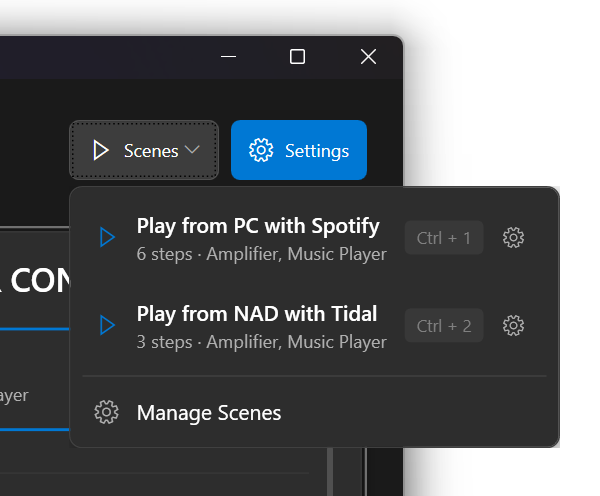
Presets to group settings and operations
Group settings and operations from different devices into a single action. Assign a hotkey and switch your entire setup in one press. Also supports Dirac profiles!
Read more →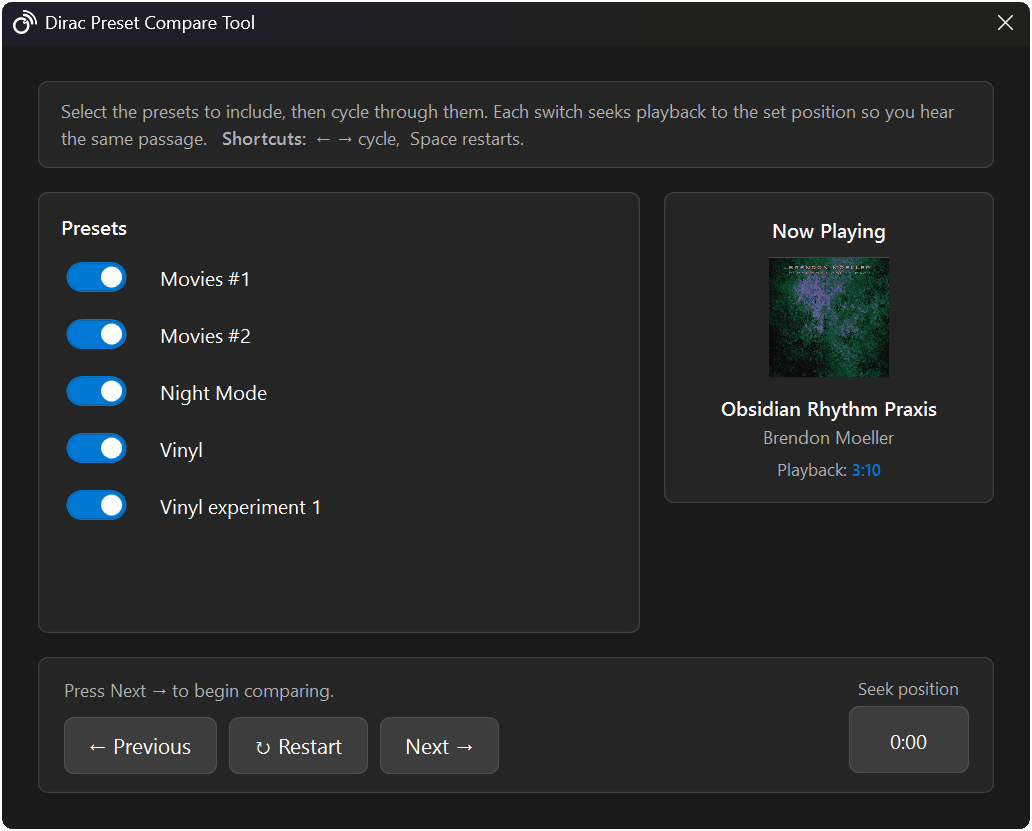
Dirac profile A/B testing
Switch between Dirac profiles to compare sound quality using playback loops. Find the right setting for your room without guessing.
Read more →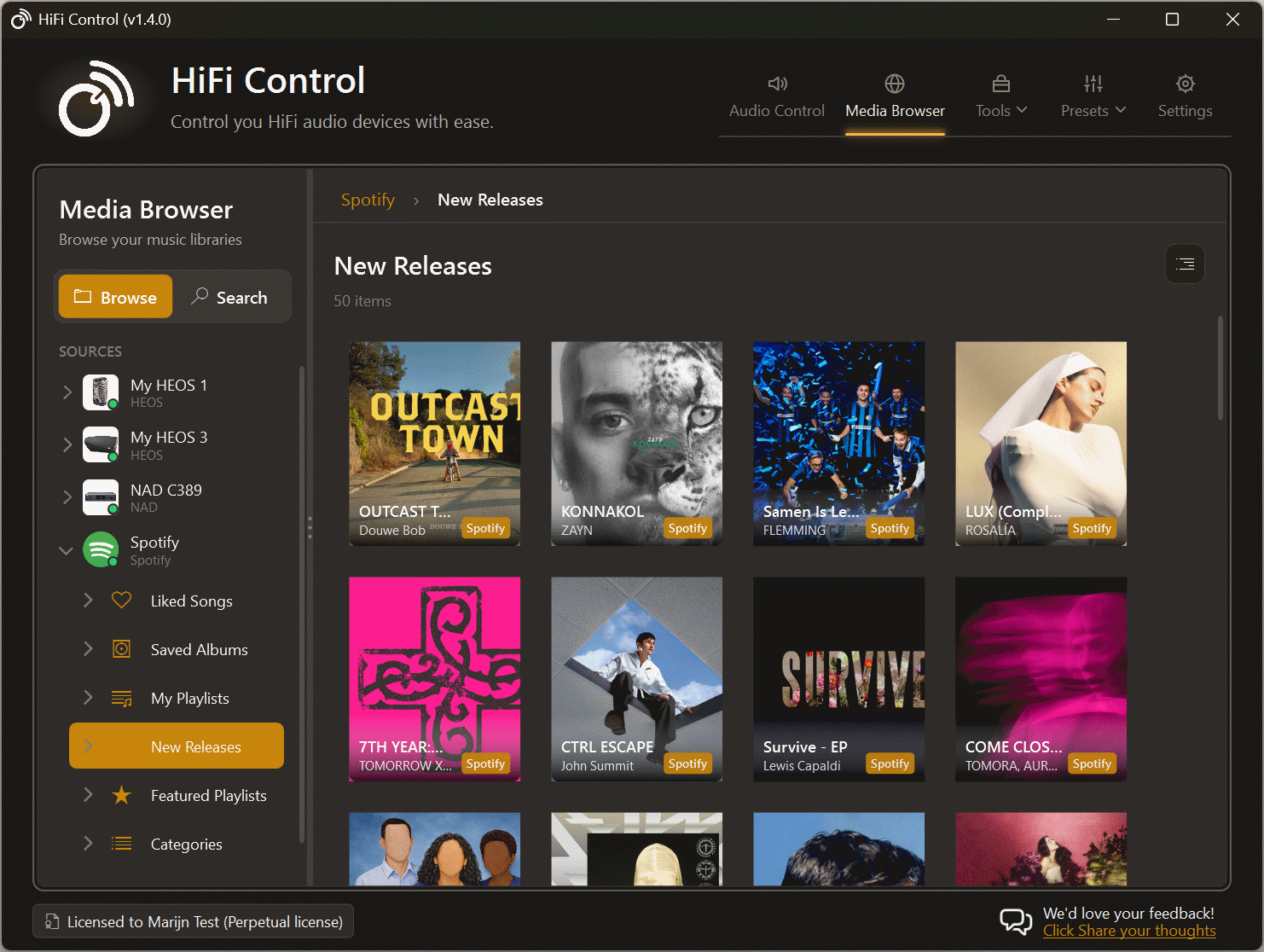
Media Browser & Search
Browse and search your music library from your desktop. This works across all the different ecosystems of the devices and services that you could be using.
Read more →
Seamlessly work with different eco systems
Operate different devices in the same way, regardless if they are powered by BluOS, HEOS, or MusicCast. Create presets that include devices from different ecosystems and control them with a single hotkey.
Read more →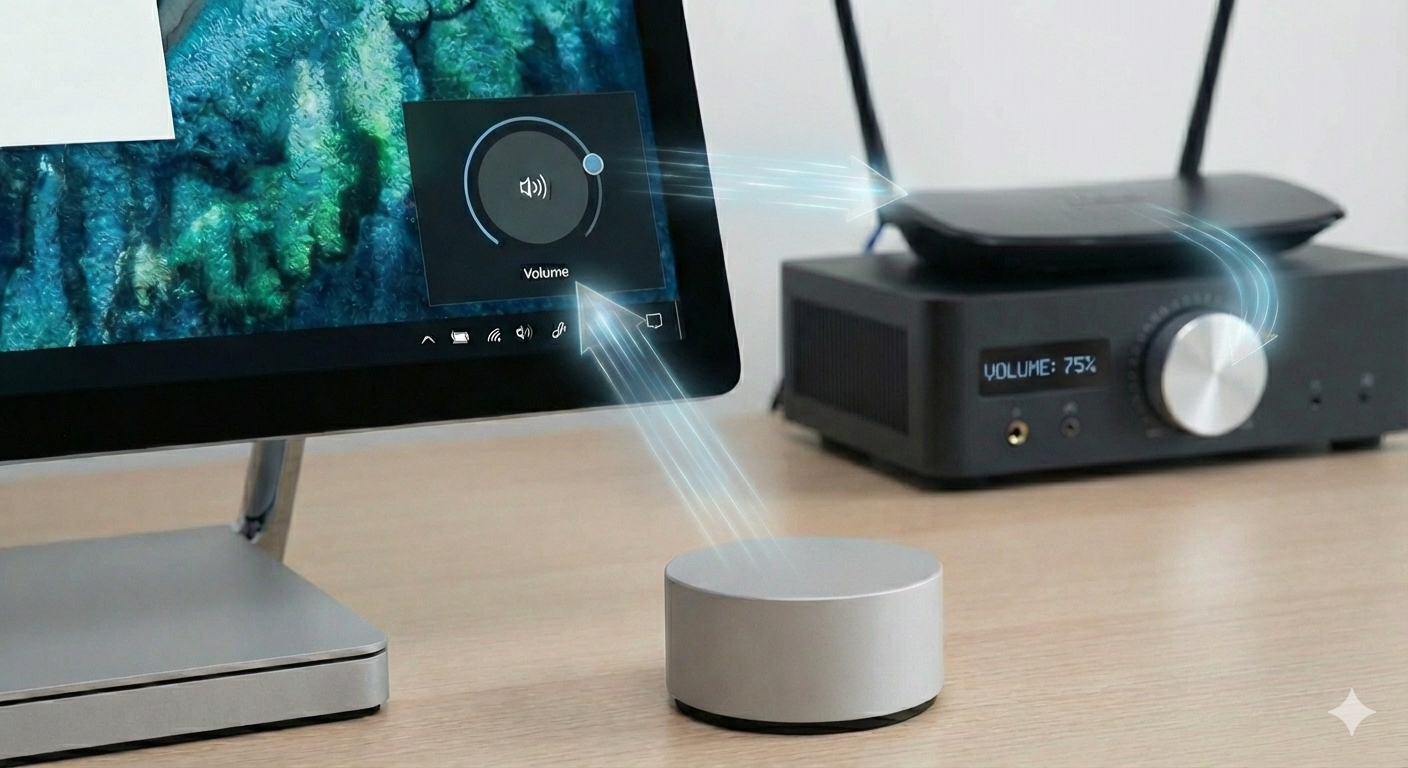
Microsoft Surface Dial support
Rotate the dial to adjust your amplifier volume with precision. No need to switch windows or reach for your keyboard.

Tidal and Spotify integration
Control playback, like the current song, and manage your streaming services through HiFi Control. Hotkeys for everything.

Volume overlay and System Tray
Easy access from the system tray and view status changes no matter what application is in the foreground. Even full-screen games!.
There's more where that came from
Explore the full roadmap or compare editions to find more features!
Multiple ecosystems,
one app
HiFiControl discovers and controls devices across all major networked audio platforms.

Full native control for Bluesound, NAD, DALI, Monitor Audio, Roksan, and Cyrus Audio devices.
NAD · Bluesound · DALI · Monitor Audio · Roksan · Cyrus Audio
Desktop control for Denon and Marantz receivers and wireless speakers.
Denon · Marantz Volume, input, and playback control for Yamaha's networked audio devices.
YamahaReady to take control?
v1.4.1 · April 22, 2026 · ~15 MB · Windows 10/11
Download HiFi ControlFree version available · No account required
Straightforward plans
Start free with full ecosystem support. Upgrade when you need more devices or advanced features.
Free
€0
Full ecosystem support with one device. Hotkeys, presets, system tray, and volume overlay included.
- BluOS, HEOS, and MusicCast
- System-wide hotkeys
- Spotify integration
- 1 device, 1 preset
- Volume overlay
- and more
Standard
€4.99/month
Multi-device control with Tidal, Dirac, and Surface Dial support.
- Everything in Free
- Tidal and Dirac support
- Up to 3 devices
- Unlimited presets
- Surface Dial integration
- and more
Premium
€9.99/month
Unlimited devices and early access to new features.
- Everything in Standard
- Unlimited devices
- Use your license on 10 pc's
- Early access to features
- and more