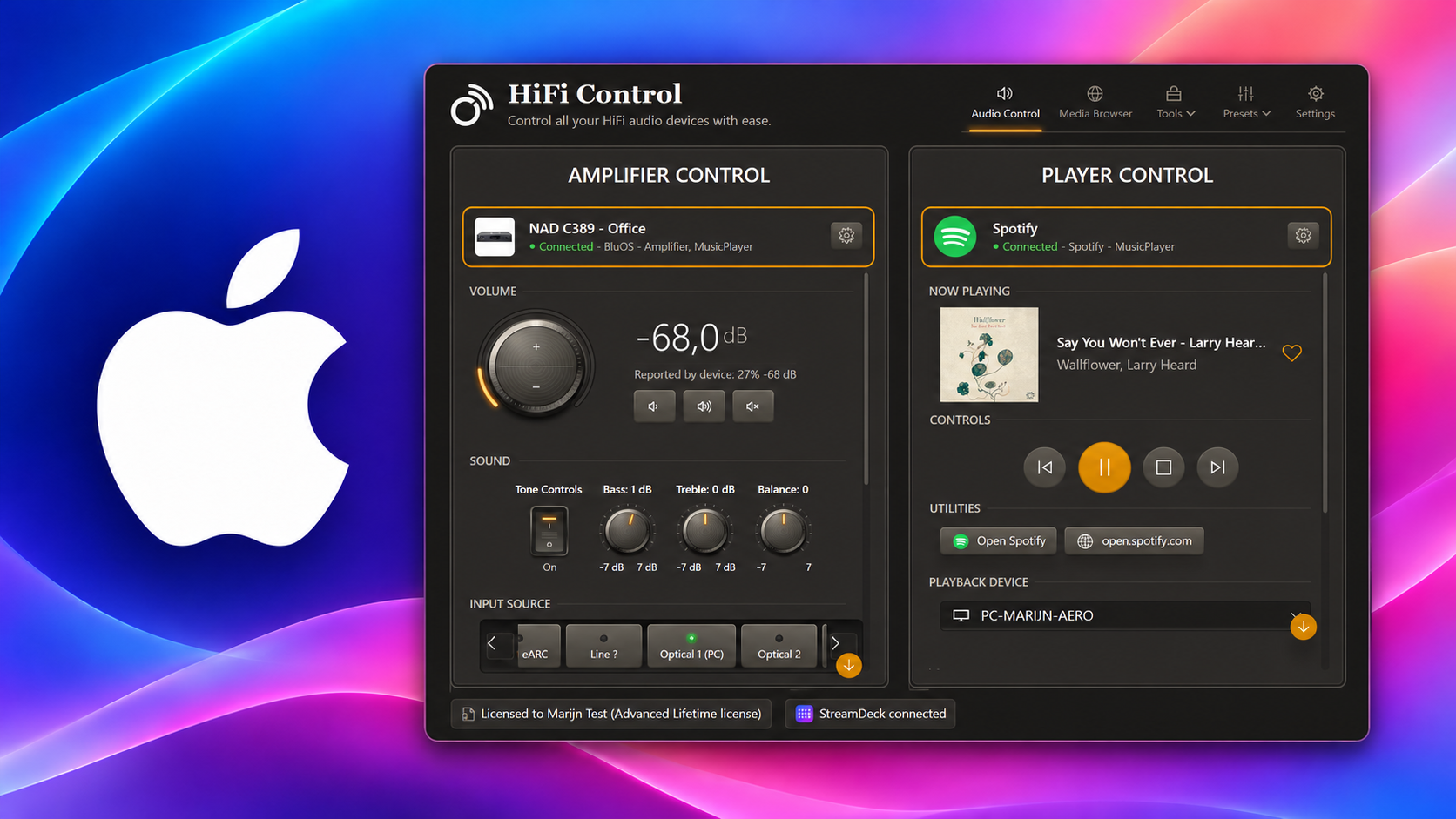
The HiFi Control alpha is ready to test on Apple silicon. Download the Mac prerelease and try it with your audio devices.
Everyone with a compatible Mac is welcome to take part. New testers can try the prerelease free for 4 weeks, with the Advanced features available on Mac. No payment method is required, and the evaluation does not start a paid subscription.
What to expect
The Mac version brings HiFi Control’s device controls, presets, settings, and light and dark themes to macOS. We would like to hear how it works with your BluOS, HEOS, or MusicCast equipment and in your daily listening routine.
This is an alpha prerelease. Expect bugs and unfinished features; some Windows features are not available on Mac yet. Your feedback will help us improve the Mac version before a stable release.
You need macOS 15 or newer and supported audio devices on your network. Choose the download for your Mac below.
HiFi Control for Mac
Intel download pending
Installation and release notes
Try HiFi Control on your Mac with a four-week Advanced evaluation.
- The Apple silicon download is signed and notarized by Apple.
Installing the prerelease
- Open Apple menu → About This Mac. If it lists an Apple chip, download the Apple silicon DMG above.
- Open the downloaded DMG and drag HiFi Control into Applications.
- Open HiFi Control from Applications, then eject the disk image.
The Apple silicon app is signed with Developer ID. Apple has notarized both the app and its disk image.
Starting your free month
In the setup wizard’s Licence step, select Evaluate Advanced free for one month (alpha/beta testing) and click Next. Your evaluation starts at that point. Complete the remaining setup steps to connect your devices and start testing.
The prerelease evaluation is separate from the 14-day Essentials trial. You can use it even if you have already used that trial. It is available once on a Mac where you have not previously activated a paid licence. If you already have a licence, choose I have a licence key instead. The wizard explains why an option is unavailable.
After the month ends, you will need a valid licence to continue. There is no automatic charge. Installing a later prerelease does not restart the evaluation period.
Keep testing with the latest build
Open Settings → Updates to check for newer Mac builds. Alpha builds offer alpha and beta updates automatically. Keep up to date as we fix problems and add features during testing.
Tell us how it went
Use the contact page to report a problem or share a suggestion. Useful details include:
- Your HiFi Control version and macOS version.
- Whether your Mac has Apple silicon or an Intel processor, and the chip name shown in About This Mac.
- The audio devices you use and how they are connected.
- What you expected, what happened, and the steps needed to reproduce a problem.
Feedback on installation, device discovery, controls, presets, and the Mac interface is especially useful. A short description or screenshot can make a problem much easier to investigate.
Download the Mac prerelease to start testing.